No. 11 · Fun
Ultra Crates
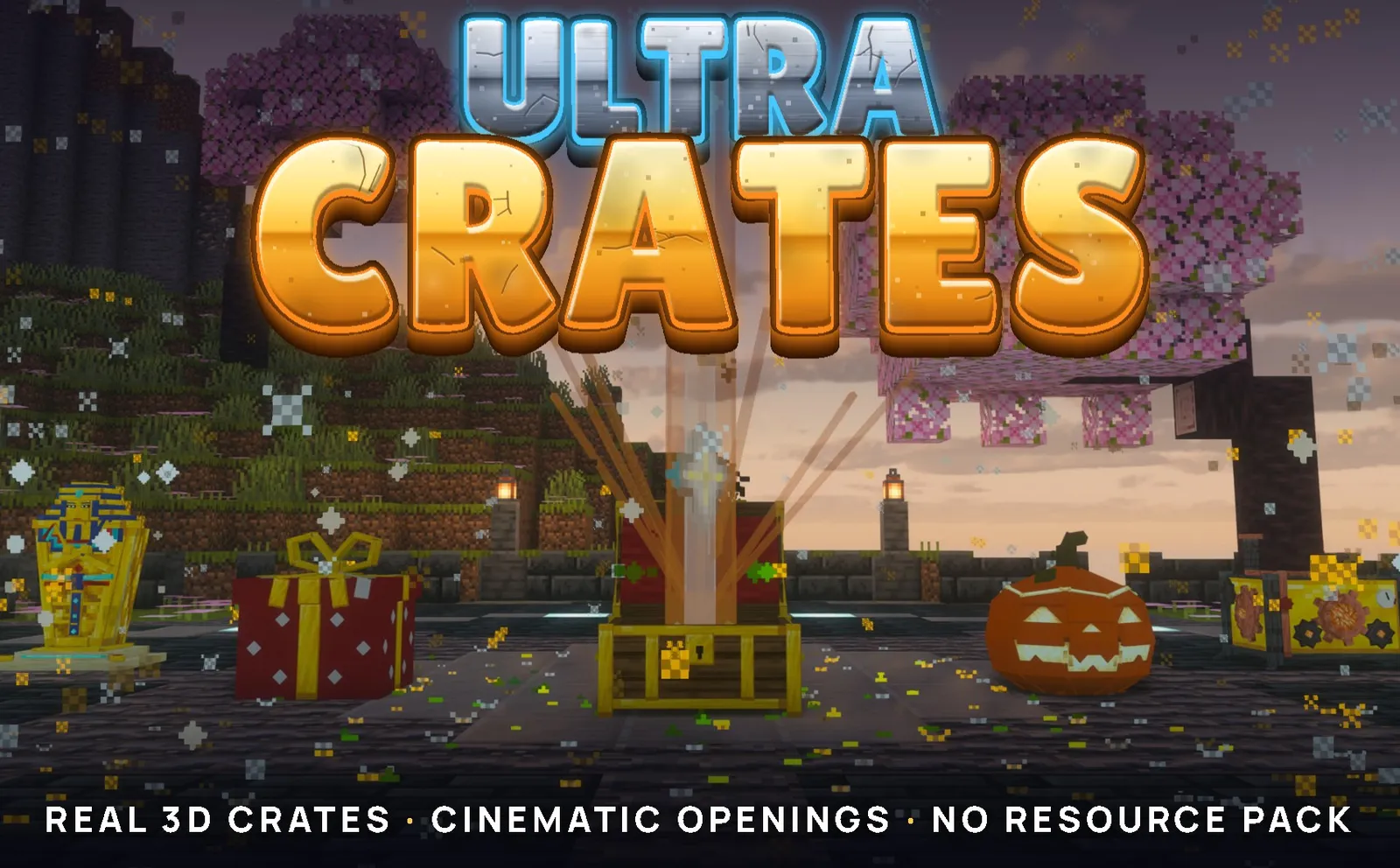
14 real 3D crates, 23 cinematic openings and a prize wheel. No resource pack.
Crates your players will stop to watch. 14 real 3D crates, 23 cinematic openings and a prize wheel. No resource pack.
- Version
- 0.0.2
- Runs on
- Spigot, Paper
- Minecraft
- 26.3
- Java
- 21+
- Resource pack
- None
- Store
- SpigotMC, free
Most crate plugins give you a chest menu and a row of sliding items.
Ultra Crates stands a real 3D crate in your world, and every opening is a show played by that crate, in front of everyone.
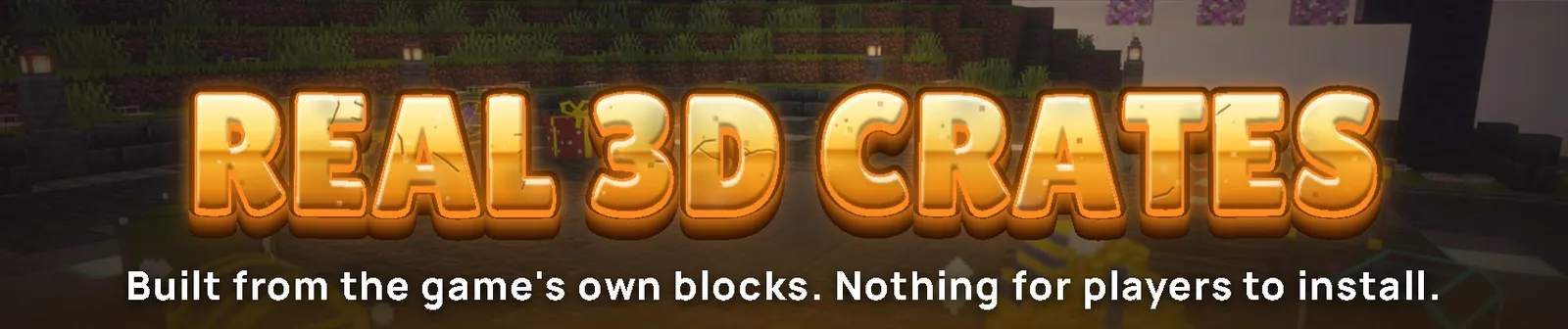
There is no resource pack and no mod. Everything is built from the game's own blocks and items, so it works for every player the moment they join.
100% free | Spigot and Paper 26.3 | Set up entirely in game
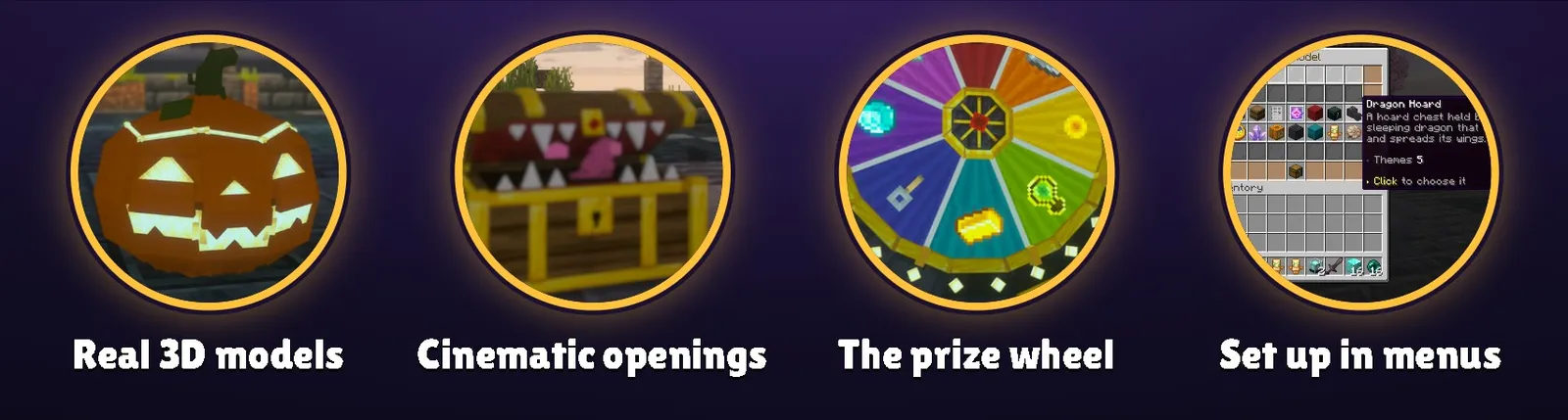
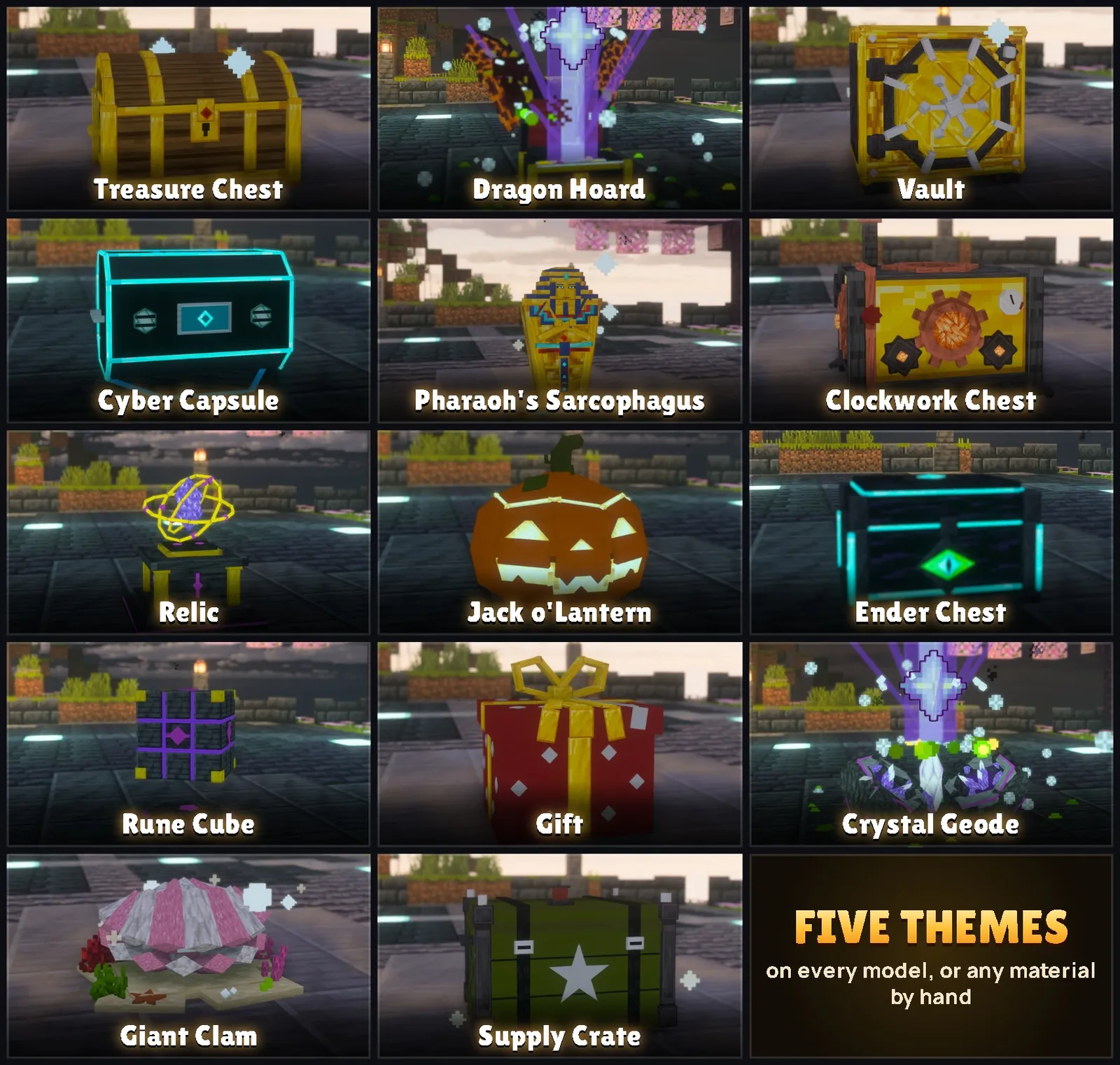
14 models, 5 themes each.
A pirate chest, a safe with a turning wheel, a dragon asleep on its hoard, a neon capsule, a pharaoh's sarcophagus.
Every crate scales to any size, breathes with the particles you pick, and carries a hologram with a line only the player reading it sees: "You have 3 keys".

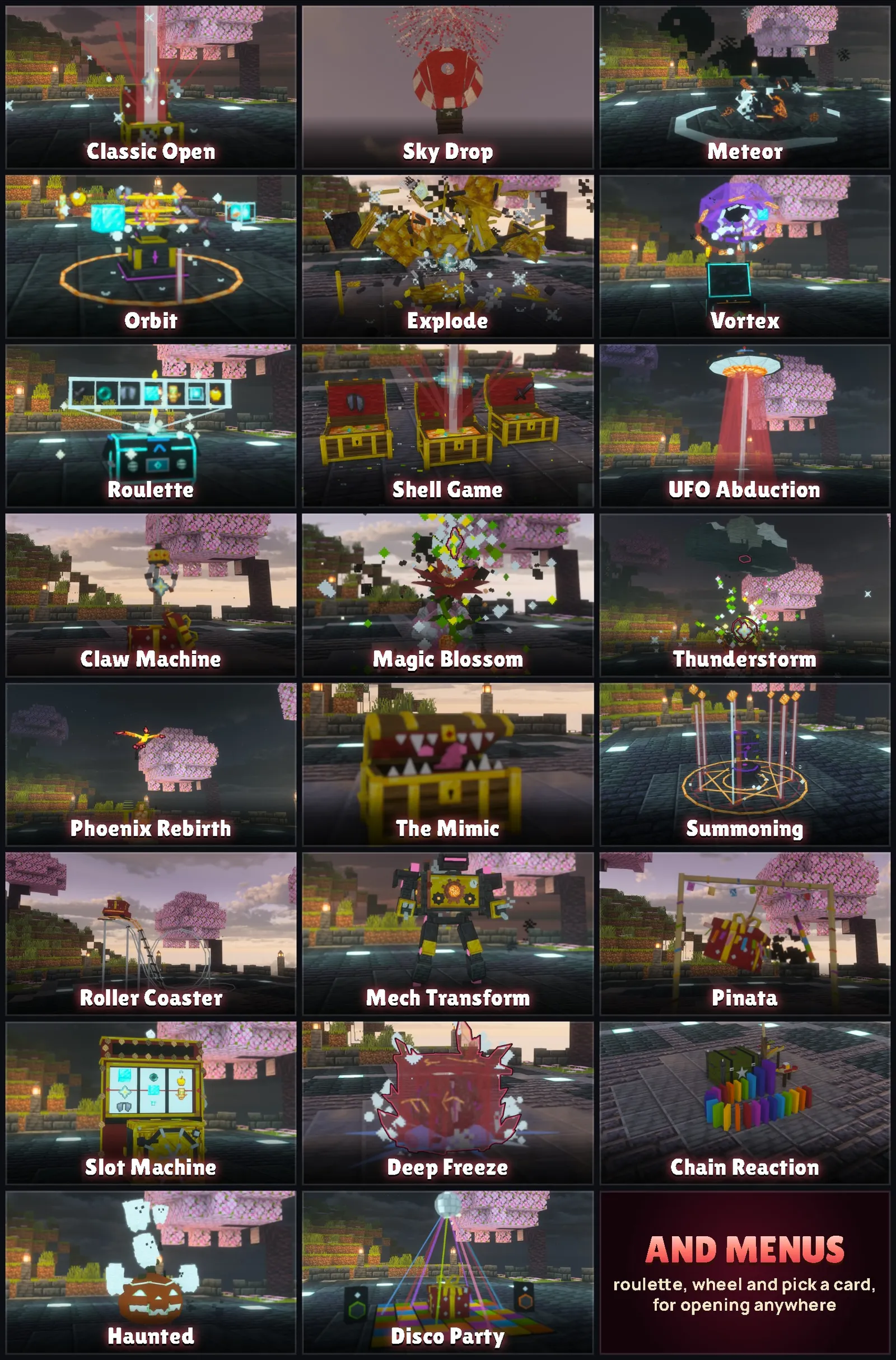
23 animations, played in your world.
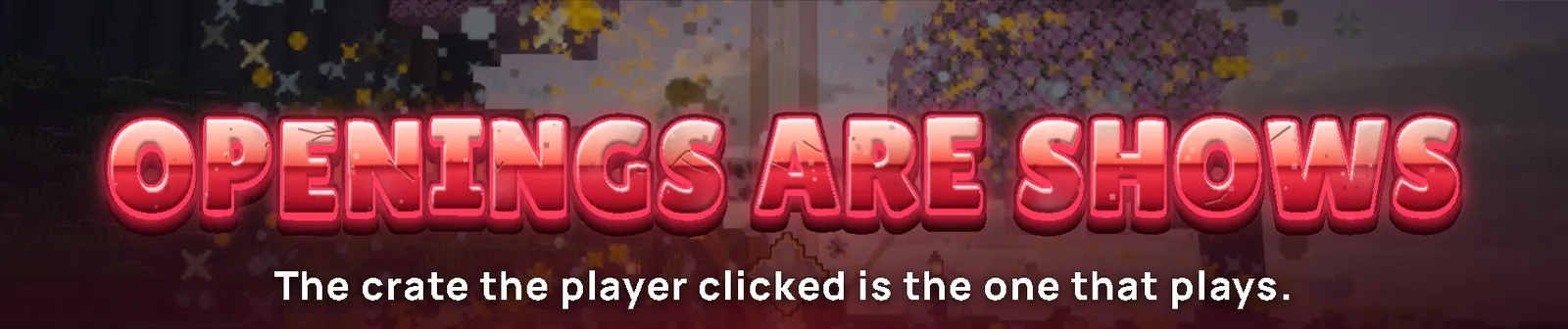
The crate turns to face the player who clicked it, plays, and turns back the way it stands.
A rarer prize gets a bigger show: more rays, more fireworks, thunder.
These GIFs are real recordings from a Spigot server.
Make an opening public, and the whole server watches while the crate is busy, or personal, so only the opener sees theirs and many can open at once.
In a hurry? Sneaking skips straight to the prize.
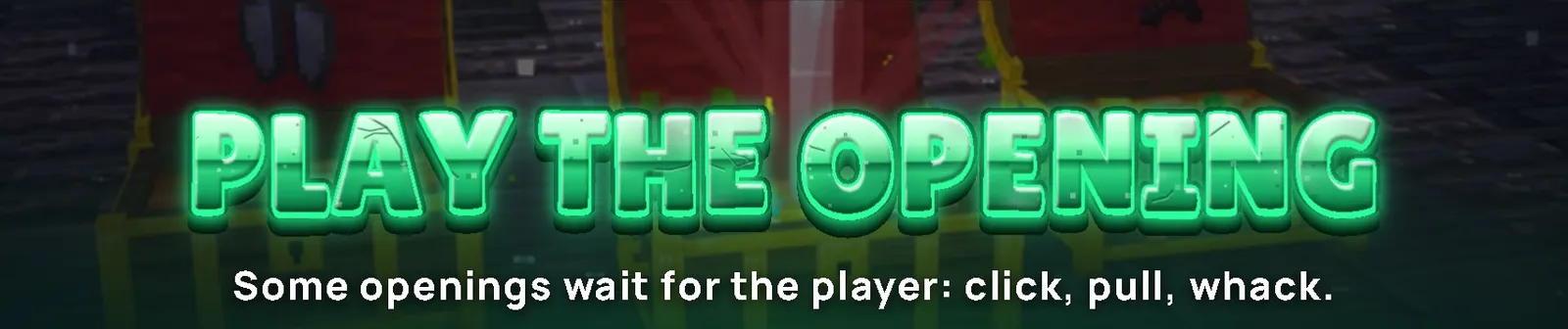
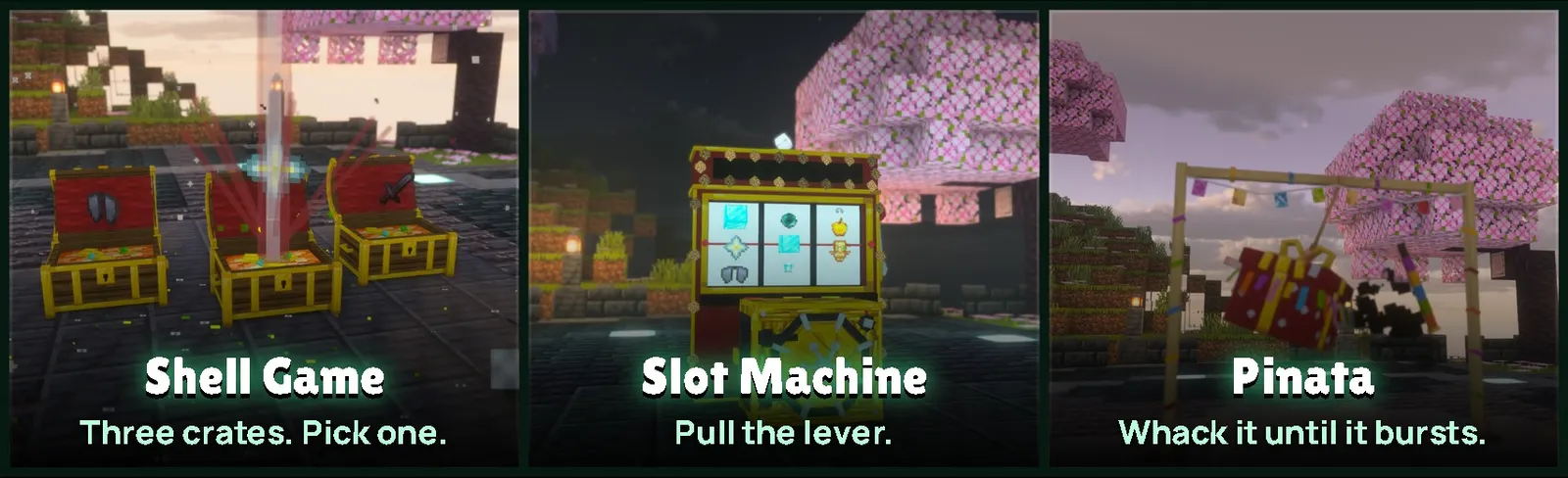
Some openings need the player.
In the Shell Game three crates shuffle, faster and faster, and the player clicks the one they believe in.
In the Slot Machine they pull the lever. The Pinata takes three whacks.
Nobody clicks? The show carries on by itself.
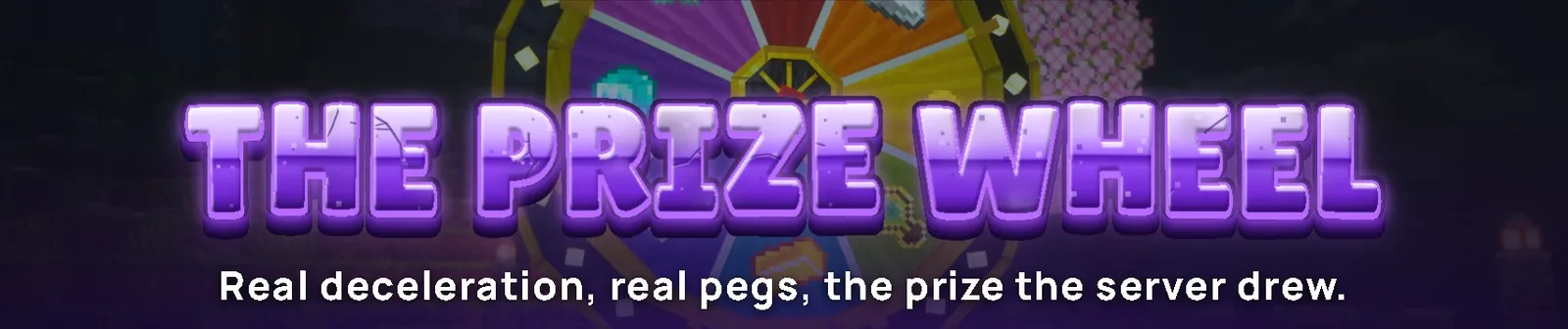
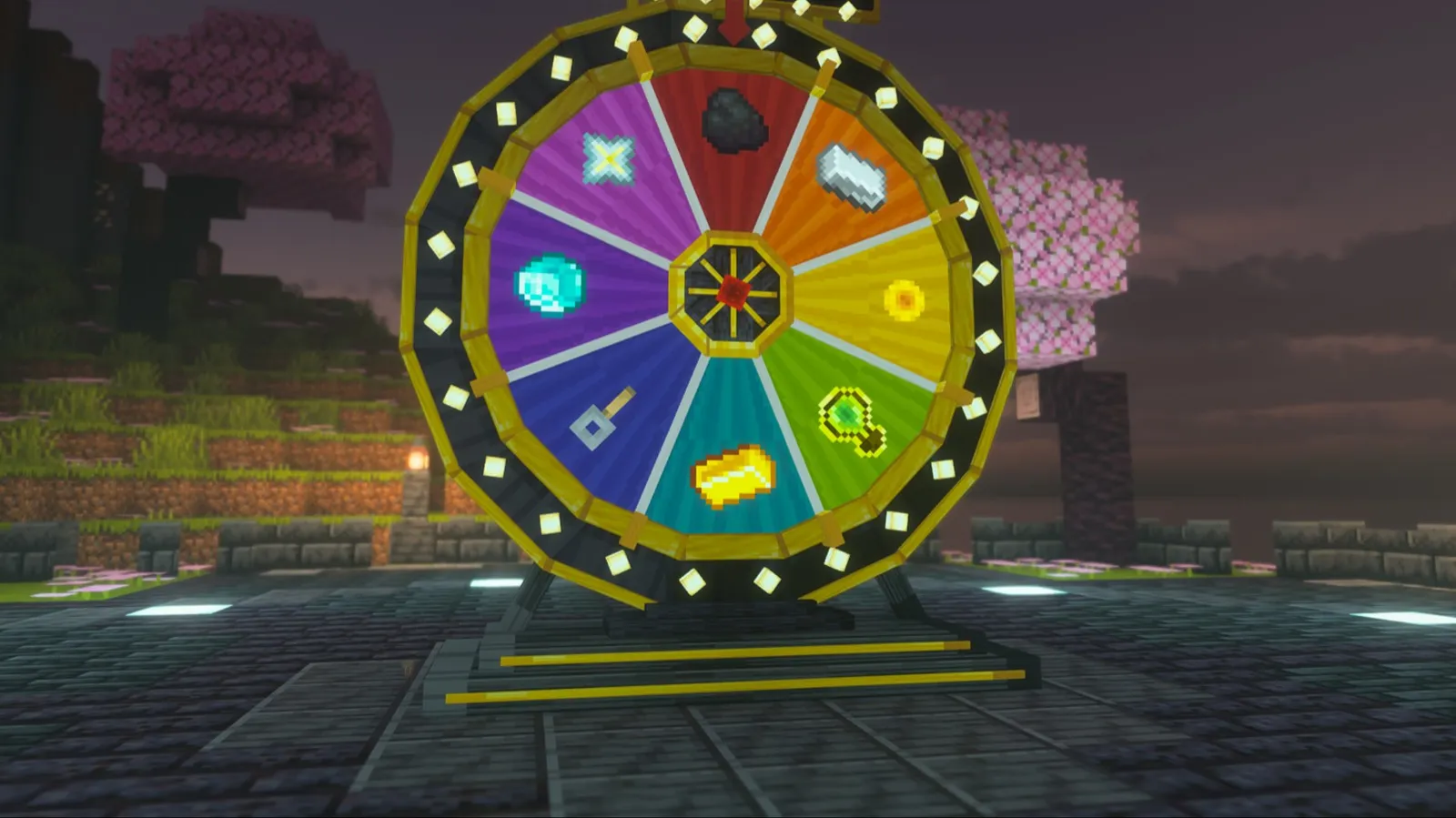
A wheel of fortune about four blocks across.
Six to sixteen segments in the colours you choose, gold pegs that flick a red pointer, 24 chasing bulbs and a sign with your own words.
It spins with real deceleration, a click for every peg, and lands on the prize the server drew.
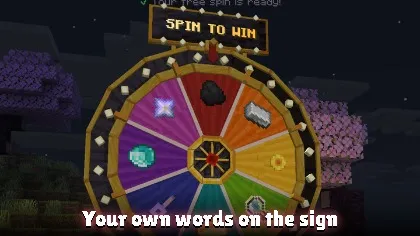
A free spin every so many hours, spin tokens (virtual or as items), or money and levels.
Six themes, any bulb colour or a rainbow, and it also spins in a menu with /wheel.
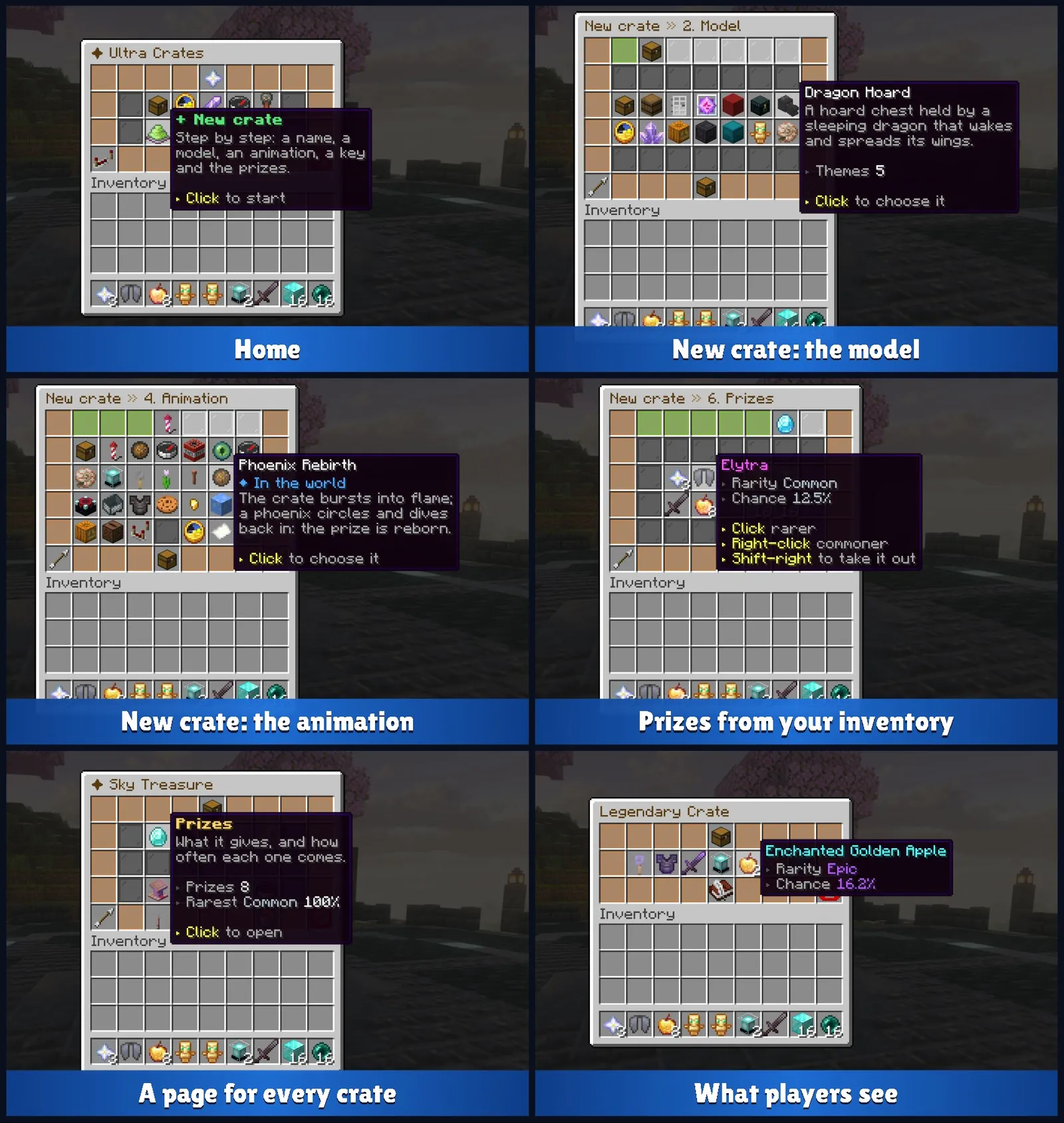
Crates are made in the game, not in a text file.
/ucrates opens the editor. A new crate is seven steps along the top of the window: name, model, theme, animation, key, prizes, done.
Click any step to go back, or skip one: the crate works with what it has at every step.
Prizes? Click the items in your own inventory. They are kept exactly as they are, with their name, lore and enchantments.
Works with your custom items
Items from ItemsAdder, Oraxen and Nexo work everywhere an item does: prizes, keys, crate and wheel icons, spin tokens.
Pick them from a list in the editor, or type their id. They are saved by id, so a new texture or model from your item plugin reaches every crate by itself.
Built for a real server
- Keys- physical items of your choice, virtual keys on the player's account, or both. No anvil can forge one, and they cannot be placed, crafted with or burnt.
- Opening rules- a key, a money or level cost, both, or free. A cooldown, a permission, opening from a menu, opening every key at once.
- Pity- a prize of a chosen rarity is certain within so many openings, and the preview shows the counter.
- Fair chances- the preview shows each player's real odds. /ucrates simulate can roll a crate a million times to prove it.
- Prize limits- wins per player, a stock for the whole server, a permission to win it, or one that rules it out.
- Safe prizes- the prize is written down before the animation starts. A crash in the middle hands it over at the next join.
- More than items- console and player commands, money, experience, keys of other crates, wheel spins, messages, broadcasts, a weighted surprise.
- Your style- every text is MiniMessage: gradients, hex colours, clicks and hovers, on Spigot too.
- Your limits- how close a player must be for a crate to be drawn, how many animations may play at once, and how many details a model carries.
Getting started
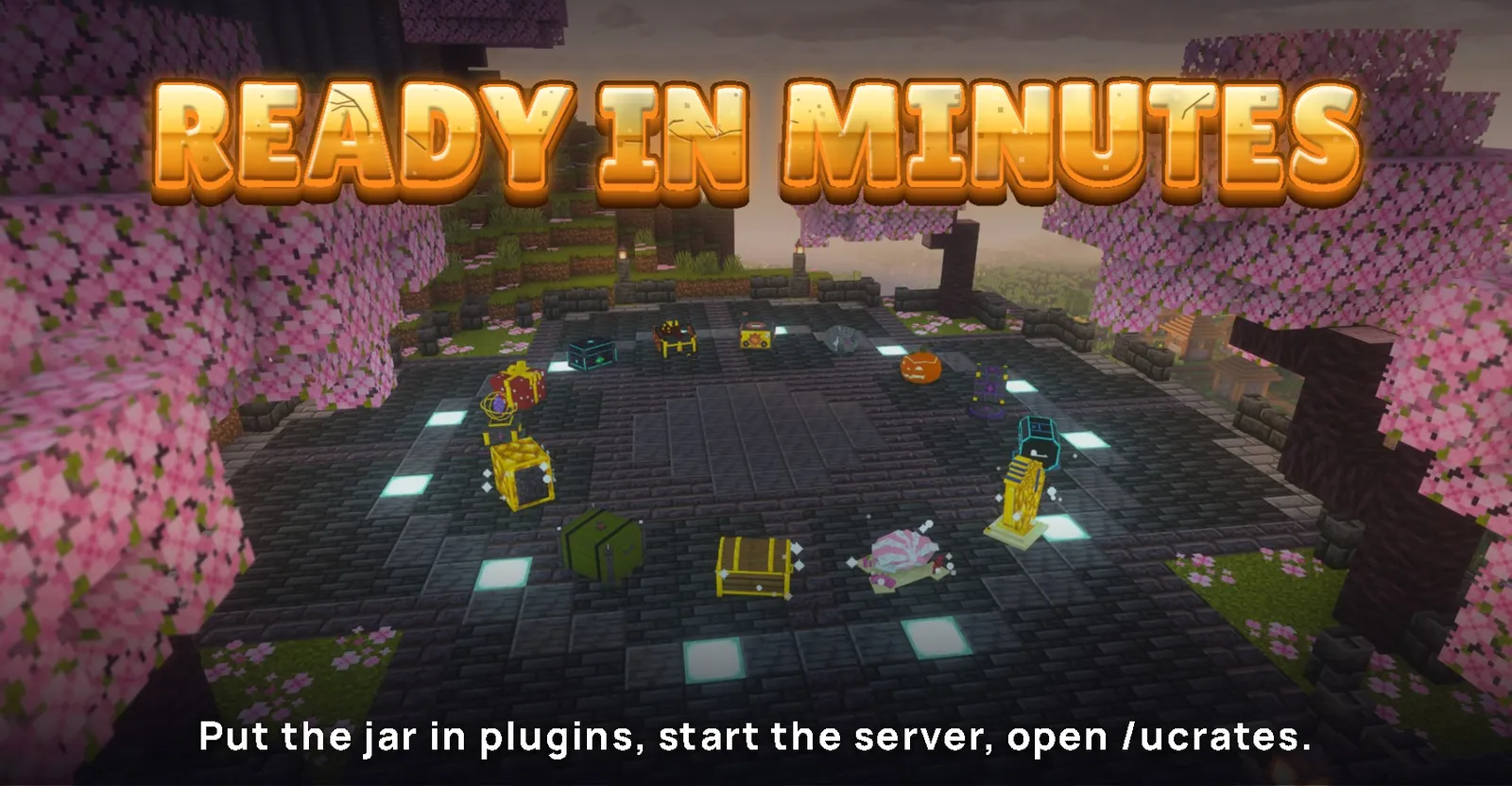
- Put the jar in plugins/ and start the server. Eight example crates and a daily wheel are written for you.
- Run /ucrates showcase to set them all down in front of you, or /ucrates showcase models to try every model.
- Run /ucrates give <you> legendary 5 and right-click the chest.
- Run /ucrates, click + New crate, and make your own.
Ultra Crates is free.
If your players love it, leave a review. Found a bug or have an idea? Tell us in the discussion tab.
Every picture and GIF on this page was captured in the game on a Spigot server, most of them with a shader pack for the light. The plugin needs no shaders.
All 14 crate models
- Treasure Chest- a banded pirate chest with a barrel lid, coins and gems inside, velvet under the lid.
- Supply Crate- a military airdrop crate on a pallet, with cargo straps and a red strobe on the lid.
- Vault- a steel safe with sliding bolts, a spoked wheel that turns and a dial that ticks.
- Relic- a mystic altar with a floating crystal inside three orbiting rings.
- Gift- a wrapped present whose lid pops off and leans against the box.
- Ender- an obsidian chest with lines of light and an eye for a lock.
- Dragon Hoard- a chest in the embrace of a sleeping dragon that wakes and spreads its wings.
- Clockwork Chest- a brass machine that opens like a camera shutter, gears whirling.
- Crystal Geode- a boulder that cracks into two halves lined with glowing crystals.
- Jack o'Lantern- a carved pumpkin with a wicked grin and a candle that flares.
- Rune Cube- a floating puzzle cube that solves itself, then flies apart round a blazing heart.
- Cyber Capsule- a neon sci-fi capsule whose panels fold down like petals.
- Pharaoh's Sarcophagus- an upright golden mummy case that opens like a door.
- Giant Clam- a scalloped clam on sand and coral, breathing open on a glowing pearl.
Every material of every model can also be set by hand in the editor.
All 23 animations
- Classic Open- the lid bursts open, a column of light climbs out and the prize pops into place.
- Sky Drop- the crate launches on a jet of flame and comes back under a striped parachute.
- Meteor- a burning meteor hits the spot and cracks open on crystals.
- Orbit- the prizes spin round the crate like a roulette until the winner stops.
- Explode- the crate blows apart, then time rewinds and every piece flies back.
- Vortex- a portal swallows the prizes, collapses into a star and bursts with the winner.
- Roulette- a holographic strip of prizes slides past a marker over the crate.
- Shell Game- three crates shuffle like the cups at a fair, and the player picks one.
- UFO Abduction- a saucer beams the crate up and sends the prize down the beam.
- Claw Machine- a giant arcade claw fishes the prize out, and almost drops it.
- Magic Blossom- a shoot climbs out of the crate and blooms ring by ring.
- Thunderstorm- a storm cloud gathers until one great bolt blasts the crate open.
- Phoenix Rebirth- a phoenix of living flame circles the sky and dives back in a ring of fire.
- The Mimic- the crate is alive: it grins with a row of fangs, hops, chomps and spits the prize out.
- Summoning- a magic circle draws itself, pillars of light rise and the crate levitates.
- Roller Coaster- a track builds itself and the crate rides a loop, flinging the prize out at the top.
- Mech Transform- the crate unfolds into a battle mech and takes two heavy steps.
- Pinata- the player whacks it three times until it bursts in candy and confetti.
- Slot Machine- the player pulls the lever, a casino cabinet rises and three reels roll.
- Deep Freeze- ice locks the crate in a glacier that shatters round the prize.
- Chain Reaction- rainbow dominoes, a ball, a seesaw and a mallet that bonks the lid open.
- Haunted- chains wrap the crate and cute little ghosts hand the prize over.
- Disco Party- a mirror ball, a lit dance floor, a tune on note blocks and a crate that dances.
For crates opened from /crates, away from any placed crate, there are three animations in a menu too (roulette strip, wheel of lights, pick a card), and an instant option with no animation at all.
Commands
/crates                                 your crates, keys and wheels (/crate, /keys)
/crates preview <crate>                 what is inside
/crates open <crate>                    open it from anywhere, if the crate allows it
/crates keys                            the keys you hold
/wheel [wheel]                          spin in a menu (/spin)

/ucrates                                the editor (/ultracrates, /uc)
/ucrates give <player|all> <crate> [amount] [virtual|physical]
/ucrates take <player|all> <crate> [amount]
/ucrates keys <player>
/ucrates token <player|all> <wheel> [amount] [physical]
/ucrates place <crate|wheel:id>         on the block you look at, facing you
/ucrates showcase                       every crate in an arc in front of you
/ucrates showcase models                every model, to try them
/ucrates showcase clear
/ucrates remove [id]
/ucrates list
/ucrates tp <id>
/ucrates open <player> <crate>          open it for a player, for other plugins
/ucrates test <crate> [animation]       watch it, nothing given
/ucrates simulate <crate> [times]       check the chances
/ucrates reload
At a crate: right-click opens, left-click shows what is inside, sneak + right-click opens every key. Staff who sneak and left-click get its editor.
Permissions and placeholders
ultracrates.use      open crates, spin wheels, /crates, /wheel (everyone)
ultracrates.admin    the editor and every staff command (op)
A crate or a wheel can ask for a permission of its own.
With PlaceholderAPI:
%ultracrates_keys_<crate>%      %ultracrates_virtual_<crate>%
%ultracrates_keys_total%        %ultracrates_opened_<crate>%
%ultracrates_pity_<crate>%      %ultracrates_total_<crate>%
%ultracrates_spins_<wheel>%     %ultracrates_free_<wheel>%
Requirements
- Spigot or Paper 26.3, with Java 25. One jar runs on both.
- Optional: Vault with any economy, for money prizes and costs.
- Optional: PlaceholderAPI, ItemsAdder, Oraxen, Nexo.
More from the studio
All plugins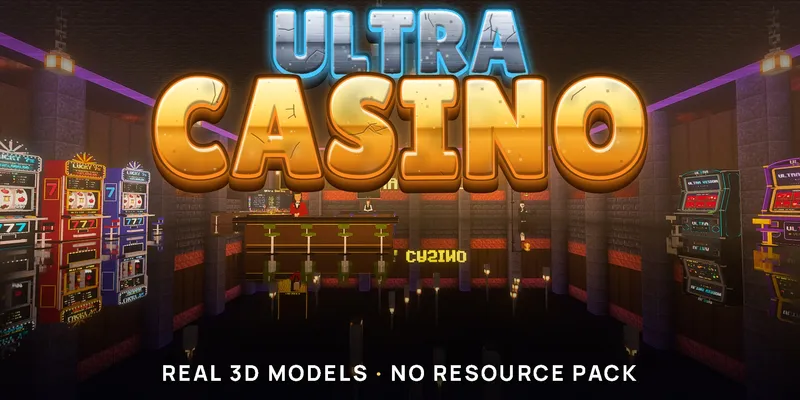
Ultra Casino
A Fully 3D Casino In Your World
Forget chest menus. 12 casino games as real animated 3D models, from slots to Russian roulette. No resource pack.
 Free

Ultra Chat Games
23 Games in Your Chat
23 games in your server chat, drawn with the game's own pictures: shadows, music discs, Impostor, Quiz Night. Free, no resource pack.
Ultra Pets
Living 3D Pets Built From Parts
Real 3D pets built from parts. Hatch, raise, ride, fuse and breed them. 130,321 forms. No resource pack.